

Ultimate Guide to 1win APK Download
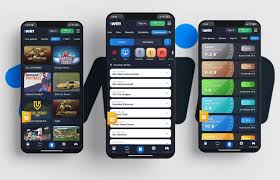
Are you looking for a reliable and user-friendly betting platform? If yes, you might have heard about 1win. This online sportsbook and casino platform rapidly gained popularity among bettors due to its extensive range of betting options, real-time engagement, and user-centric interface. In this guide, we’ll explore everything you need to know about the 1win apk download 1win online application, from its installation to its key features and advantages.
What is 1win?
1win is an online betting platform, offering sports betting, casino games, and various other gambling-related services. It comes with an intuitive app that enhances user experience by allowing players to access all features right from their mobile devices. The platform is available in many countries, providing multiple languages and payment systems to cater to diverse user needs.
Why Download the 1win APK?
Downloading the 1win APK gives you a seamless, fast, and convenient way to place bets or enjoy casino games. Here are some benefits of using the 1win mobile app:
- User-Friendly Interface: The app is designed to be intuitive and easy to navigate.
- Latest Betting Opportunities: Get real-time updates on sports events and odds.
- Live Betting: Engage in live betting and take advantage of changing odds.
- Exclusive Promotions: Access unique bonuses and promotions directly via the app.
- Accessibility: Bet or play your favorite games anytime and anywhere.
How to Download the 1win APK
Downloading the 1win APK is a straightforward process. Here’s how you can do it:
Step 1: Enable Unknown Sources
Before downloading the APK file, you need to allow downloads from unknown sources on your device. To do this, go to your phone’s settings, then navigate to Security, and turn on the option “Unknown Sources.” This will allow you to install apps that are not from the official app store.
Step 2: Download the APK File
Now, go to the official 1win website or a trusted source and find the link to download the APK file. Click the link, and your download will start automatically.
Step 3: Install the APK
Once the download is completed, navigate to your Downloads folder and tap on the 1win APK file to start the installation. Follow the on-screen prompts to install the app on your device.
Step 4: Log In or Sign Up
After installation, open the 1win app. If you already have an account, simply log in. If you are a new user, follow the steps to register and create your account.
Features of the 1win APK
The 1win app is packed with features that enhance the betting experience:
- Wide Range of Betting Options: Bet on sports, live games, and casino slots all in one place.
- Multilingual Support: Choose from a range of languages to customize your experience.
- Secure Transactions: The platform employs advanced encryption techniques to ensure safety.
- Customer Support: Access 24/7 support via multiple channels for assistance.
- Push Notifications: Get updates and alerts on your favorite teams and events.
Promotions and Bonuses
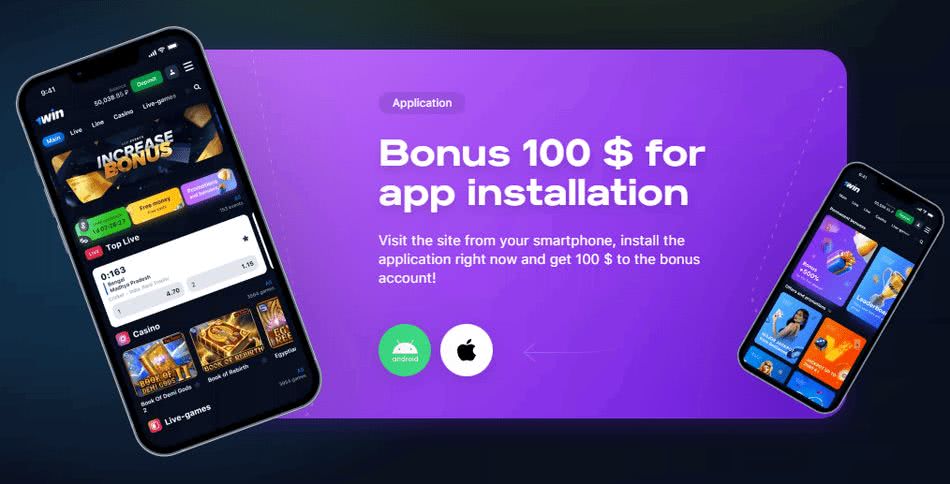
One of the biggest attractions for bettors on the 1win platform is the generous bonuses and promotional offers. New users can often take advantage of sign-up bonuses, while existing users can find loyalty rewards and special promotions during major sports events.
Conclusion
The 1win APK download makes betting convenient and accessible for users who prefer to place wagers on the go. By following the steps outlined above, you can easily download, install, and start using the 1win app on your mobile device. With a rich array of features, robust customer support, and enticing promotions, 1win is a top choice for online betting enthusiasts. Don’t hesitate—download the app today and dive into the thrilling world of online betting!